
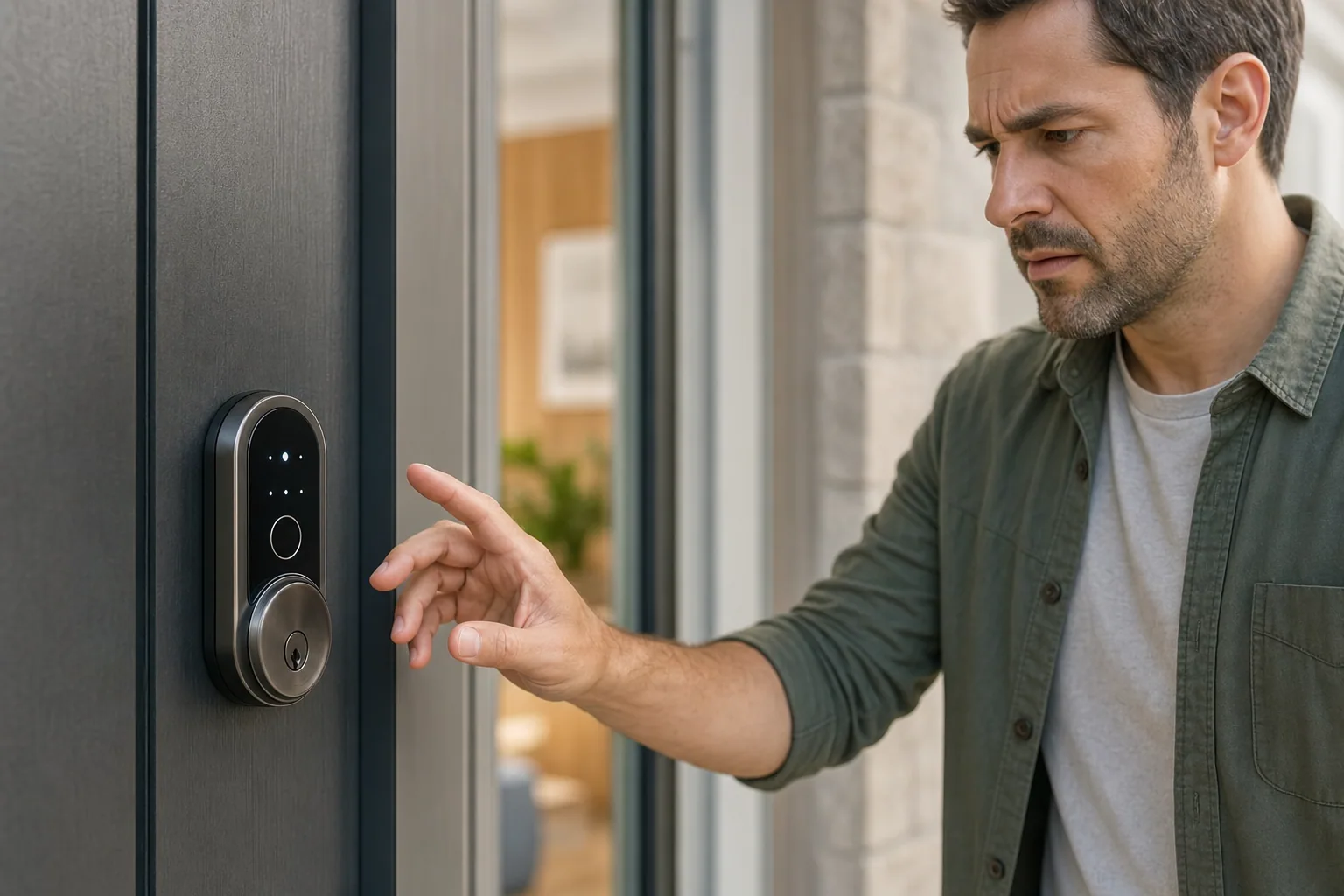
Smart locks promise convenience and modern security, but when they stop working, that convenience turns into frustration. If your smart lock is acting up, you might be worried that a full replacement is your only option. The good news: many smart lock problems can be solved quickly and cheaply without professional help.
Here's what you need to know about diagnosing and fixing smart lock not working issues, and when to reach out to a locksmith.
Battery Issues Are the Most Common Culprit
The majority of smart lock problems stem from one simple source: dead or dying batteries.
Smart locks rely on battery power to operate their electronic components. When the battery weakens, your lock may respond slowly to commands, fail to unlock via app, or not work at all. Some locks give you a low-battery warning through their app, but not all do.
What to do:
- Check your smart lock app for battery level notifications
- If you don't see a battery indicator in the app, locate the battery compartment on your lock (usually on the interior side)
- Replace batteries with fresh alkaline ones (most smart locks use AA or AAA)
- Wait a few seconds for the lock to reset and reconnect
- Test the lock via keypad, app, and key override
If you've replaced the batteries and the lock still won't respond, move on to the next troubleshooting step. But honestly, a dead battery fixes 60-70 percent of smart lock problems people call about.
Connectivity Problems: When Your Lock Loses Its Mind
Smart locks communicate with your phone or hub through Wi-Fi, Bluetooth, or a separate smart home network. If your lock won't respond to app commands or voice controls, the connection has likely dropped.
How to troubleshoot connectivity issues:
- Restart your phone and turn Bluetooth off and back on
- Move closer to the lock to test Bluetooth range
- Check that your Wi-Fi network is working and your lock is connected to it
- Restart your smart lock by removing and reinserting the batteries
- Delete the lock from your app and re-add it
- Check if your router or smart home hub needs a restart
- Make sure your lock's firmware is up to date through the manufacturer's app
Connectivity problems are especially common with Wi-Fi-enabled smart locks in homes with weak signal in entryways. If Bluetooth range is your issue, you may need a Wi-Fi upgrade or a smart home hub that extends range.
Jammed or Misaligned Locks
Sometimes the problem isn't electronic at all. Physical misalignment or internal jamming can prevent your smart lock from functioning properly.
If your lock makes a grinding or clicking noise when you try to unlock it, or if the bolt won't fully retract, you may have a mechanical issue. This can happen when:
- The door has shifted slightly (common in older homes)
- Dirt or debris has accumulated inside the lock mechanism
- The lock was installed at a slight angle
- The deadbolt or latch is stuck in the strike plate
Try manually turning the key in the lock to see if there's physical resistance. If the lock is truly jammed, attempting to force it through the app could damage internal components. In this case, professional help from a locksmith who handles smart lock installation and repair is your best bet.
Code and Keypad Problems
If your smart lock's physical keypad isn't responding to button presses, or if access codes aren't working, you're dealing with input issues.
Quick fixes for keypad problems:
- Clean the keypad buttons with a soft, dry cloth (moisture and dirt block contact)
- Check that you're entering the correct code (codes are typically case-sensitive)
- Verify the code hasn't expired or been deleted through the app
- Try resetting the lock to factory settings, then re-programming your codes
- Test with the backup key to confirm the lock itself functions mechanically
If the keypad is physically damaged or completely unresponsive even after cleaning, the keypad module may need replacement.
Stuck or Slow Bolt Response
A smart lock that responds to commands but moves the bolt slowly or gets stuck partway through is showing mechanical wear or a failing motor.
This problem typically gets worse over time. You might notice that unlocking works fine but locking takes several seconds, or the bolt sticks halfway and requires manual adjustment. This suggests the internal motor or gear mechanism is failing.
Unlike battery or connectivity issues, a weakening motor or gear system usually means the lock needs professional service or replacement. Continuing to use a failing lock risks getting locked out entirely. This is a good time to contact a locksmith about repair options or to discuss a replacement smart lock that fits your security needs.
When to Call a Professional Locksmith
If you've tried the steps above and your smart lock still won't work, or if you suspect physical damage or mechanical failure, it's time to bring in an expert.
A licensed locksmith experienced with smart lock installation and repair can diagnose problems quickly and offer honest solutions. Whether your lock needs repair, reprogramming, or replacement, they'll give you fair pricing with no hidden fees. If you're in Bakersfield or the surrounding areas, Joe's Lock and Key offers smart lock services including troubleshooting, installation, and replacement for residential and commercial properties.
Calling a professional makes sense if you're uncomfortable taking the lock apart yourself, if the lock is under warranty (DIY troubleshooting can void it), or if you need the problem solved quickly.
Prevent Future Smart Lock Problems
Once your smart lock is working again, take steps to avoid future headaches.
Replace batteries proactively every 6-12 months rather than waiting for a failure. Keep your lock's firmware updated through the manufacturer's app. Keep the keypad and lock housing clean and dry. If you live in an area with extreme temperature swings or high humidity, check your lock more frequently for corrosion or condensation.
Choosing a quality smart lock from a reputable manufacturer and having it professionally installed also reduces the likelihood of early failures. If you're upgrading to a smart lock or replacing a failing one, a locksmith can help you select hardware that matches your home's security needs and your budget.
Smart locks are convenient when they work. With a little troubleshooting and preventive care, you'll spend far more time enjoying the convenience than dealing with problems.