
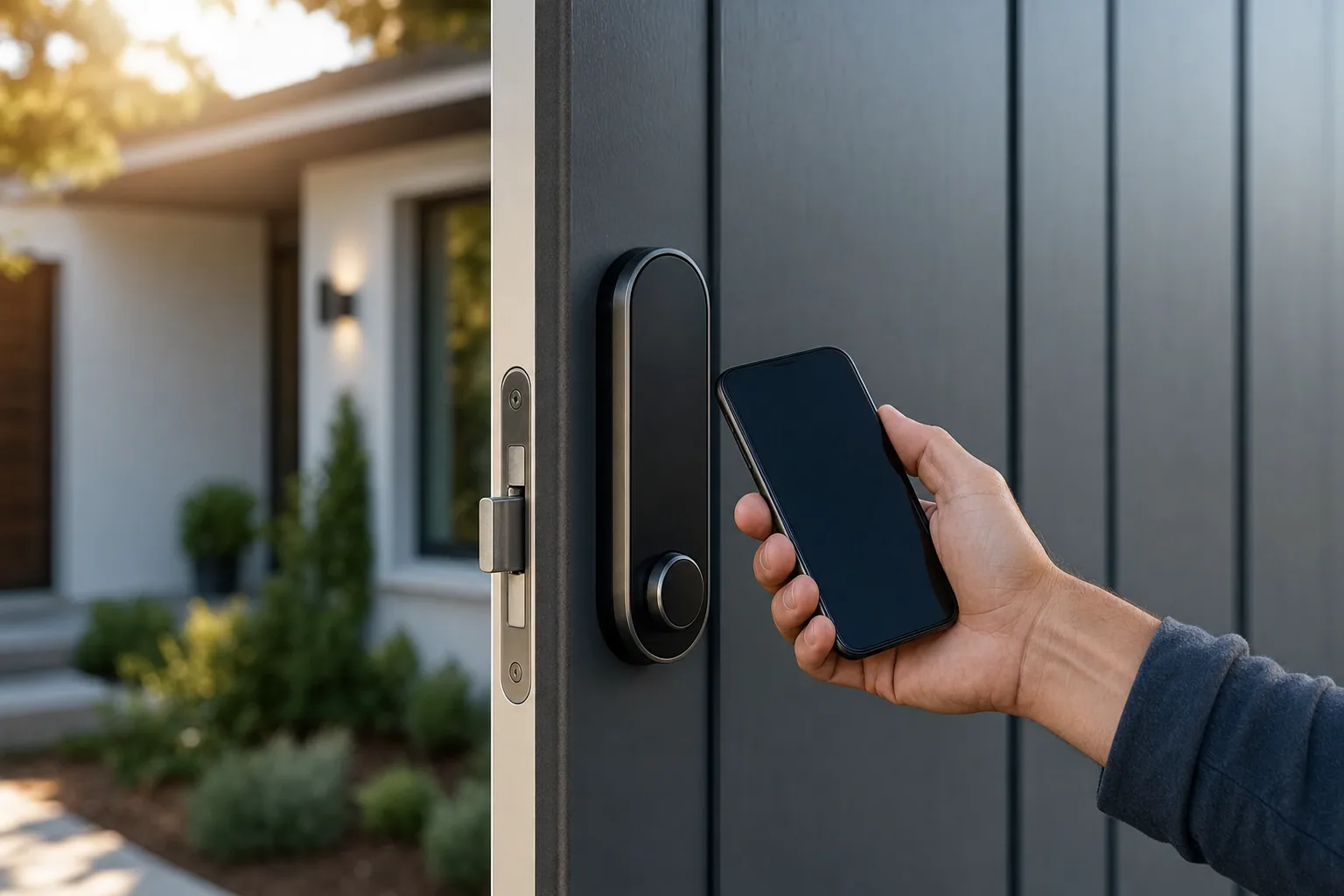
Smart locks have become increasingly popular for homeowners who want to combine convenience with security. If you're considering upgrading your home's access control, understanding the smart lock installation process, costs, and best practices can help you make an informed decision. Whether you're a DIY enthusiast or planning to hire a professional, this guide covers everything you need to know.
What Is a Smart Lock and Why Install One?
A smart lock replaces your traditional deadbolt with a modern locking mechanism that can be controlled remotely via smartphone, keypad, biometric scanner, or voice command. Instead of fumbling for keys, you can unlock your door from anywhere, grant temporary access to guests or service providers, and receive notifications whenever someone enters or exits.
Beyond convenience, smart locks offer real security benefits. You eliminate the risk of lost keys, control who has access at any time, and create an audit trail of entry and exit. Many homeowners appreciate the peace of mind that comes with knowing exactly who entered their home and when.
Types of Smart Locks Available
Before diving into installation, it helps to understand your options. Smart locks come in several varieties:
- Keypad locks: Enter a code to unlock the door. Perfect for families and rental properties.
- Smartphone-controlled locks: Use an app to lock or unlock remotely. Great for tech-savvy homeowners.
- Biometric locks: Use fingerprints for access. Highly secure and convenient for family members.
- Hybrid locks: Combine multiple access methods, such as keypad plus smartphone control.
- Wi-Fi versus Bluetooth: Wi-Fi locks connect to your home network for remote access anywhere; Bluetooth locks work only when you're nearby.
Choose a type that matches your lifestyle and security needs. Some homeowners prefer the simplicity of a keypad, while others want full remote access from anywhere.
How to Install a Smart Lock: DIY Basics
Many smart locks are designed for DIY installation. If your current door already has a deadbolt, the process is often straightforward.
Here's what a typical DIY installation involves:
- Remove your existing deadbolt by unscrewing the interior side from inside your home.
- Take off the interior and exterior plates to expose the latch mechanism.
- Install the smart lock's interior assembly into the hole, following the manufacturer's instructions.
- Attach the exterior assembly and secure everything with the provided screws.
- Test the lock mechanism to ensure smooth operation.
- Download the app or set up the keypad code if applicable.
- Configure access rules, notifications, and any other settings.
Most quality smart locks come with clear, step-by-step instructions and online tutorials. The entire process typically takes 30 minutes to an hour for someone with basic home maintenance skills.
Smart Lock Installation Cost
Understanding the financial side helps with planning. Smart lock installation cost breaks down into two main categories: the lock itself and professional installation if you choose not to DIY.
Lock costs: Smart locks typically range from $100 to $300 for a quality residential lock. Higher-end models with advanced features or premium brands may cost more.
DIY installation: Free, aside from the lock price itself and any basic tools you might need to buy.
Professional installation: If you hire a locksmith, expect to pay between $100 and $200 for labor, depending on complexity. This is a smart investment if your door frame is damaged, you're replacing an unusual lock type, or you simply prefer having a professional handle it.
While DIY can save money, professional installation ensures your lock is properly aligned and functioning at peak performance. A poorly installed smart lock may develop operational issues over time.
When to Call a Professional Locksmith
Some situations call for professional expertise. If your door frame is damaged, the existing deadbolt hole is misaligned, or you have a specialized lock system, a professional locksmith ensures the job is done right.
For residents in Bakersfield, Shafter, Wasco, Delano, and surrounding areas, Joe's Lock and Key offers smart lock installation as part of their comprehensive residential services. With over five decades of experience, they can handle any installation scenario and ensure your smart lock integrates seamlessly with your home's security.
Setup and Configuration
Once your smart lock is physically installed, proper setup is crucial for optimal performance.
Follow these steps:
- Download the manufacturer's app and create an account.
- Connect the lock to your Wi-Fi network if it's Wi-Fi-enabled.
- Set your primary access code or biometric entry.
- Create temporary codes or access windows for guests, cleaners, or service providers.
- Enable notifications so you receive alerts for entries and exits.
- Configure backup power options, such as a keypad code if Wi-Fi fails.
- Test all access methods before relying on them completely.
Proper configuration takes time but ensures your lock works the way you want it to.
Troubleshooting Common Installation Issues
Even with careful installation, you may encounter minor issues.
Misaligned bolt: If the lock won't engage smoothly, the door frame or bolt may be misaligned. Tighten or adjust the latch assembly according to your lock's manual.
Weak connection: If your smartphone app frequently loses connection, move your Wi-Fi router closer or consider a lock with better range.
Dead batteries: Smart locks run on batteries. Replace them every 6 to 12 months and keep spares on hand. Many locks warn you when battery is low.
App issues: Restart your phone and the lock, then try reconnecting. Update the app to the latest version.
If problems persist after troubleshooting, a professional locksmith can diagnose and resolve them quickly.
Maintaining Your Smart Lock
Smart locks require minimal maintenance compared to traditional locks, but a few best practices help extend their lifespan.
- Keep the exterior clean and free of dust and debris.
- Check and replace batteries regularly.
- Test all access methods monthly to confirm everything works.
- Keep your app and lock firmware updated.
- Avoid exposing the lock to extreme weather if possible.
Most smart locks last 10+ years with proper care.
Making the Smart Lock Decision
Installing a smart lock is a practical way to modernize your home's security while adding genuine convenience to daily life. Whether you handle the installation yourself or hire a professional, the investment in both the lock and proper setup pays dividends in peace of mind and control over who enters your home.
If you're in the Bakersfield area and want professional guidance or installation, Joe's Lock and Key can help you select the right smart lock for your needs and ensure it's installed correctly. With their expertise in residential security upgrades, you can feel confident that your new smart lock will serve you well for years to come.